Purpose
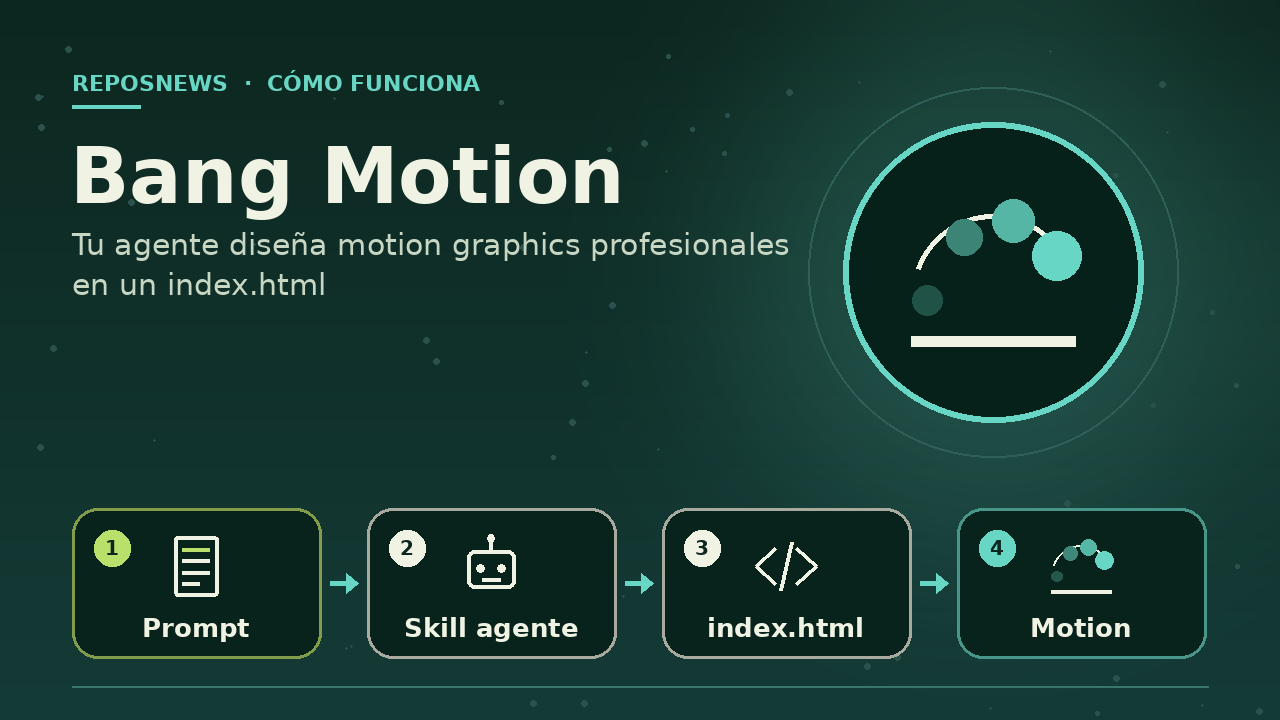
**Bang Motion** is an agent skill for AI coding assistants that turns your environment into a professional motion designer. Instead of generating standard, slide-like web presentations with basic fades, this project builds continuous worlds, moving cameras, and kinetic typography compiled into a single `index.html` file. It works natively with tools like Claude Code, Codex, Gemini CLI, and Cursor.
The project solves the common issue of AI-generated animations looking stiff or like PowerPoint slides by enforcing rigid motion design rules, structured concept menus, and brand-derived aesthetics.
Requirements
According to the official documentation, requirements depend on your intended workflow:
- **Viewing the result:** A modern web browser with internet access to load GSAP and fonts from a CDN. Nothing else.
- **Automatic frame verification:** Node.js and Puppeteer via `scripts/snap.mjs` (optional).
- **MP4 Export:** Node.js, Puppeteer, and FFmpeg via `scripts/export-frames.mjs` (optional).
- **Voice-over sync:** FFmpeg or the browser-based pause detector in `scripts/vo-pauses.html`.
A deliverable never needs `npm install` just to be watched.
Installation
You can install the skill as a plugin for Claude Code or clone the repository manually for any agent.
As a Claude Code plugin:
/plugin marketplace add bangtutorial/bang-motion
/plugin install bang-motion@bang-motion
Manual installation for any agent:
git clone https://github.com/bangtutorial/bang-motionUsage
The recommended workflow is structured as follows:
1. Brief the agent with your product details, logo, audience, duration, and aspect ratio.
2. Approve the style brief returned by the agent, featuring three concept candidates and a sourced color palette.
3. Settle assets (either your own brand assets or generated via an image MCP).
4. Let the agent build the deliverable as a single `index.html` file.
5. Review and iterate using `?debug=1` for scrubbing.
Example prompts supported by the skill:
Make a 30-second opener for my note-taking app. Logo and screenshots attached.Build a 45-second product tour of our HR dashboard in the "product tour with claims" style, 16:9.Advantages
- Generates smooth, high-end motion graphics powered by web code and GSAP.
- Self-contained output in a single, easily shareable `index.html` file.
- Prevents template fatigue through varied style directions, opener concepts, and render families.
- Broad compatibility with multiple leading AI CLI tools and IDE assistants.
Limitations
- Automated MP4 export requires secondary command-line utilities like Puppeteer and FFmpeg.
- Voice-over synchronization relies on external audio processing tools or local browser helpers.
- The final output quality heavily relies on providing precise branding material and clear initial instructions to the AI agent.
Alternatives & Editorial Comparison
Unlike conventional AI generation setups that spit out isolated static images or rigid slide decks, Bang Motion focuses on timeline-locked web components utilizing HTML, CSS, and SVG. Compared to heavy proprietary timeline suites, it provides an open-source, code-first bridge. For advanced users who prefer traditional tooling, the repository also includes a bridge helper for Adobe After Effects via an MCP connection.
License and Pricing
- **License:** MIT.
- **Pricing:** The repository is completely open-source and free to use. Verified pricing for the core package is free (MIT license); any optional commercial software tools like Adobe After Effects require separate third-party subscriptions.
What the Reel shows
Screenshots of the Bang Motion GitHub repository showing the project header, table of video output types, and visual style gallery.
Code execution and direct integration with listed AI tools are not verified.
Reel claims are distinguished from facts checked against the official article sources.
Sources and methodology
Official sources checked on the stated date. We do not claim growth without historical data or installations that have not been run.
https://github.com/bangtutorial/bang-motion
https://github.com/bangtutorial/bang-motion/blob/main/README.md