Introduction and Purpose
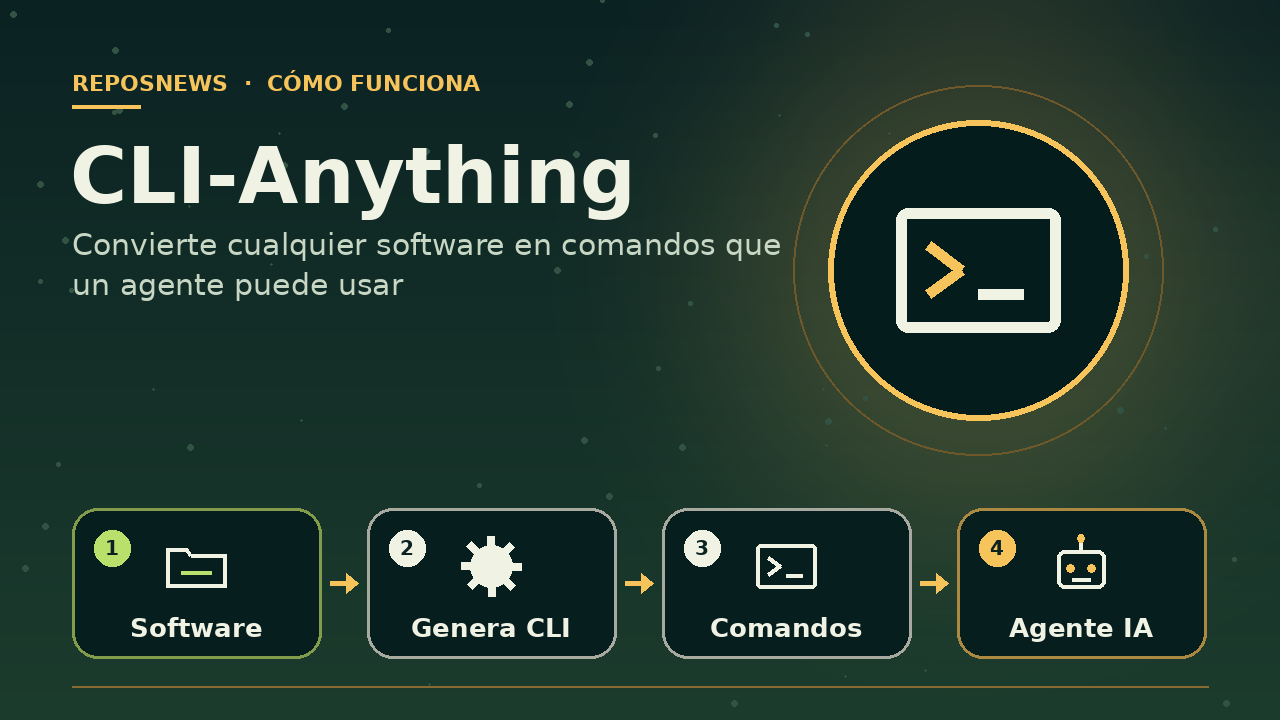
The purpose of this guide is to demonstrate how to use CLI-Anything to bridge the gap between artificial intelligence agents and traditional software through structured command-line interfaces. A concrete use case involves installing a command-line package manager in your terminal to discover and deploy pre-built automation tools without relying on graphical user interfaces.
When to Use It
You should use this package when you need an AI agent to execute complex tasks across desktop applications, open-source repositories, or web services using structured text commands in JSON format (JavaScript Object Notation, a lightweight data-interchange format), thereby avoiding the fragility of visual GUI automation based on screenshots.
What You Need
To set up this workflow, you require the following documented prerequisites:
- Python (a high-level programming language) version 3.10 or higher.
- Click (a Python package for command-line creation) version 8.0 or higher.
- A command-line terminal configured on your operating system supporting Python.
Where to Get It
The official project repository is hosted on GitHub under the name HKUDS/CLI-Anything. You can access the source code and reference materials directly through the repository's official web page.
Installation
To install the command registry manager, run the following command in your local terminal:
pip install cli-anything-hubThis command installs the `cli-anything-hub` package from the Python Package Index (PyPI), enabling the management of helper tools.
First Use
To verify that the system functions correctly, you can list the available tool registry by executing the following command in your terminal:
cli-hub listThis command outputs the complete catalog of available command-line interfaces from the public registry to your terminal, allowing you to check installed options.
Limitations and License
Documented limitations include the requirement to have specific upstream software dependencies installed on your system for tools wrapping complex desktop applications (such as image editors or office suites). Regarding pricing, this project is distributed under the open-source Apache-2.0 license, and no commercial pricing or verified fees are specified in the official package.
What the Reel shows
Screenshots of CLI-Hub documentation and repository, showing installation commands, quick start sections, and file structure.
No claims distinct from demonstrated facts observed in the images.
Reel claims are distinguished from facts checked against the official article sources.
Sources and methodology
Official sources checked on the stated date. We do not claim growth without historical data or installations that have not been run.
https://github.com/HKUDS/CLI-Anything