Purpose and Overview
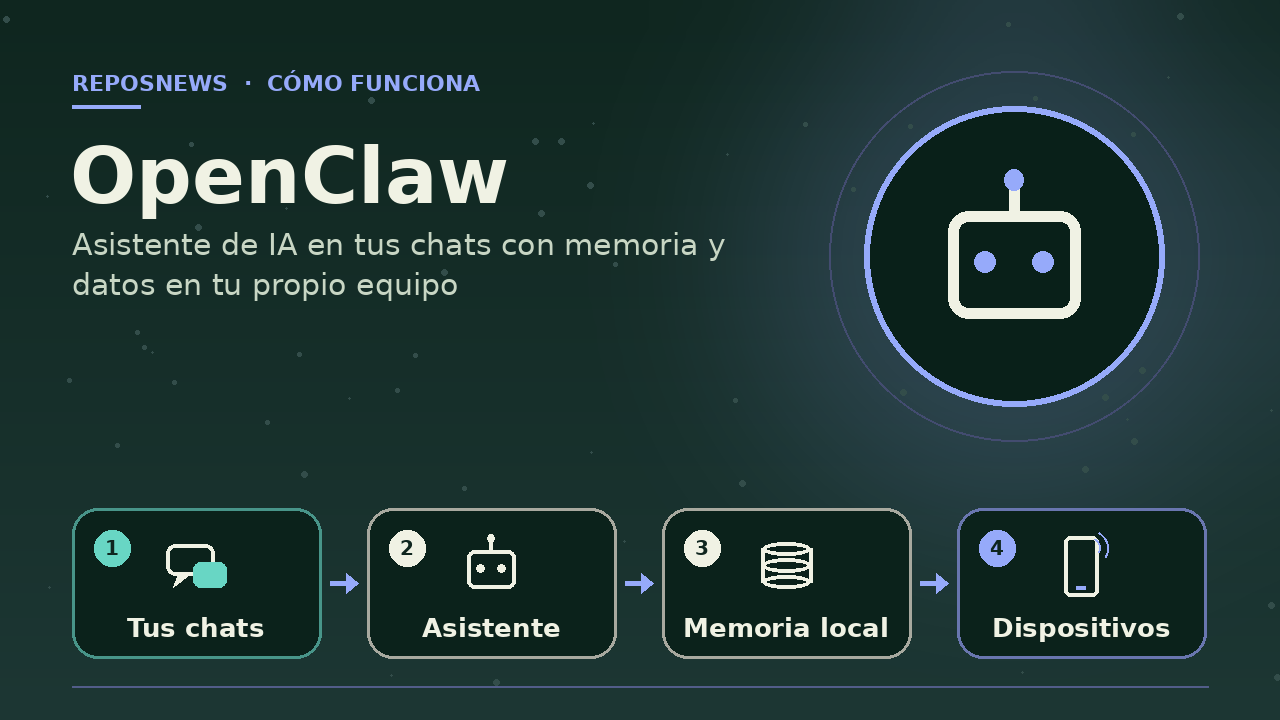
OpenClaw is an open-source AI assistant designed to run directly on your own devices and meet you in the channels you already use, such as Discord, iMessage, Slack, Teams, Telegram, WhatsApp, and 20+ more messaging services. It provides native apps for macOS, iOS, Android, Windows, and Linux. Through a single Gateway runner, it can operate as a personal assistant on a laptop or as a shared deployment for teams.
The core architectural premise of OpenClaw is that state, memory, and credentials reside entirely on your own hardware. Models and agent harnesses (such as Claude, Codex, or local models) act as swappable plugins without changing any other components.
Requirements and Setup
For Node.js environments, the project requires Node.js 24.16+ or 26.1+ (Node 26 is recommended). The source repository functions as a pnpm workspace, meaning a plain `npm install` at the repository root is not supported.
Documented Installation
The official installer supports macOS, Linux, and Windows, provisioning a supported Node.js runtime when necessary. The official installation command lines provided by the source package are:
curl -fsSL https://openclaw.ai/install.sh | bashiwr -useb https://openclaw.ai/install.ps1 | iexIf you already manage Node.js independently, you can install the published package using npm, pnpm, or bun:
npm install -g openclaw@latest --allow-scripts=openclawTo complete onboarding after installing directly via package managers, run:
openclaw onboard --install-daemonUsage
Once onboarding is complete, you can verify the Gateway status and launch the control dashboard using the command-line interface:
openclaw gateway status
openclaw dashboard
Direct message-capable channels pair unknown senders by default, requiring administrative approval for pairing requests to ensure secure communication channels.
Advantages and Limitations
Key advantages include complete data sovereignty by storing memory and credentials locally on your hardware, broad compatibility with diverse model providers, and seamless integration across numerous chat applications and native operating systems.
Limitations include the fact that tools execute directly on the host machine for the main session by default unless sandboxing is explicitly configured, which requires careful security review before exposing the Gateway remotely or inviting other users.
Editorial Comparison and Alternatives
Unlike cloud-exclusive AI assistants that store prompts and history on remote proprietary servers, OpenClaw emphasizes local control and a self-hosted gateway architecture. While alternative custom agent frameworks exist, few provide such extensive native out-of-the-box multi-channel chat routing and cross-platform companion support.
License and Official Pricing
OpenClaw is licensed under the **MIT** license and is stewarded by the OpenClaw Foundation, an independent 501(c)(3) organization. Verified pricing is unavailable because OpenClaw has no paid tier, hosted service, or token.
Official Links
- [Official Website](https://openclaw.ai)
- [Official Documentation](https://docs.openclaw.ai)
- [GitHub Repository](https://github.com/openclaw/openclaw)
What the Reel shows
Informative visuals presenting OpenClaw GitHub stats, an agent loop diagram, and an operational timer schematic.
OpenClaw stands out as one of the most starred repositories on GitHub and operates through autonomous decision loops.
Reel claims are distinguished from facts checked against the official article sources.
Sources and methodology
Official sources checked on the stated date. We do not claim growth without historical data or installations that have not been run.
https://github.com/openclaw/openclaw