What it is and how it works
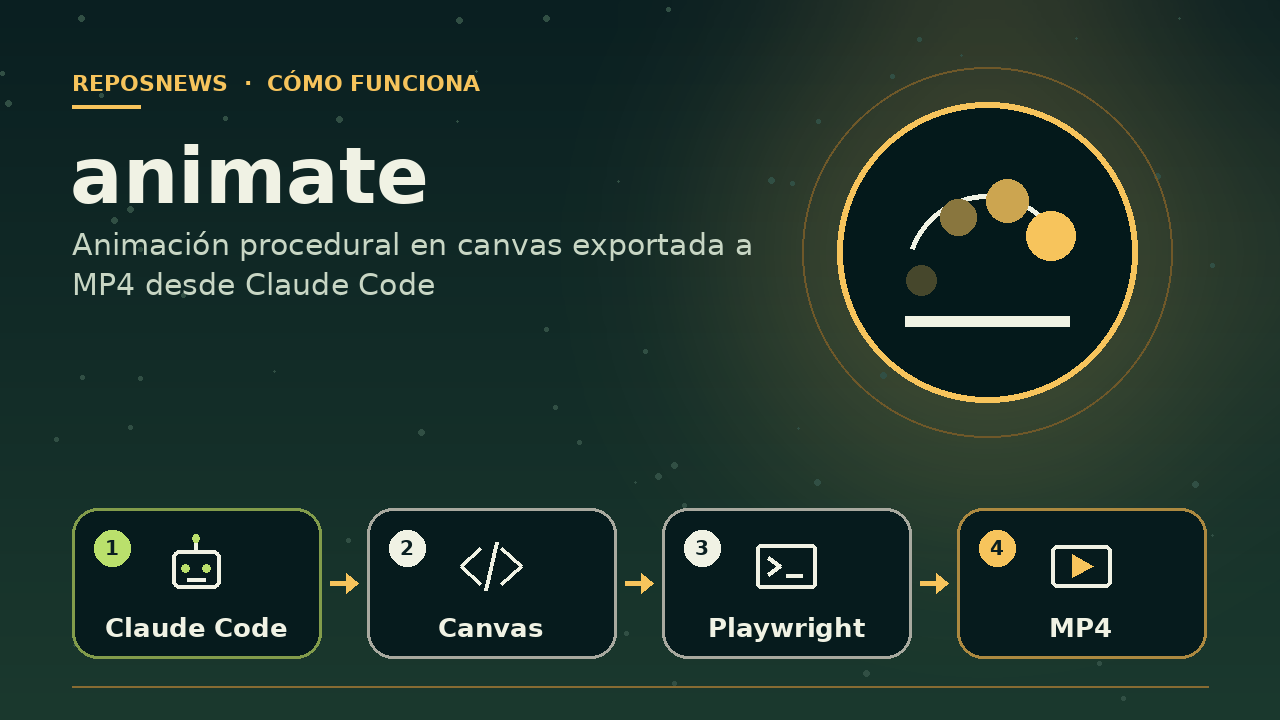
Animate is a Claude Code skill designed to generate short animated videos entirely through code executed inside a single HTML `<canvas>` element. The workflow combines user input, step-by-step validation, and automated frame-by-frame rendering using a headless browser along with FFmpeg to export final MP4 files.
The underlying architecture includes several key components:
- A story grammar engine (`grammar/`) that establishes structured formats for different narrative arcs.
- A kit (`kit/`) offering seeded randomness, virtual cameras, shape-morph transition mechanics, and an audio synthesizer.
- CLI tools (`tools/`) used to assemble, test, export, and review generated pieces.
When to use it
This framework is well-suited for specific technical content creation scenarios:
- Rapid generation of explainer videos or technical history walkthroughs.
- Production of motion graphics derived from actual product screenshots or web pages using defined artistic styles.
- Outputting multiple aspect ratios (such as 9:16, 1:1, 4:5, and 16:9) from a single source specification.
What you need
According to the official documentation, the required prerequisites are:
- Claude Code installed in your environment.
- Node.js version 18 or higher.
- Playwright with Chromium configured.
- FFmpeg accessible on your system PATH.
- Local system fonts with fallback support for Windows, macOS, and Linux.
- Optionally, Python with `faster-whisper` for word-level voice timing and an ElevenLabs connector configured within Claude.
Where to get it
The official repository is hosted on GitHub under the path `cth9191/animate` and is distributed under the MIT license.
Installation
To set up Playwright and its browser dependencies locally, run the following command in your terminal:
npm i -g playwright && npx playwright install chromiumIf you prefer to install it as a plugin inside Claude Code, run:
/plugin marketplace add cth9191/animate
/plugin install animate@animate
Alternatively, you can manually copy the skill folder from `plugins/animate/skills/animate/` to `~/.claude/skills/animate/` on your local machine.
First use step by step
Once your environment is ready, you can start a conversational prompt inside Claude Code to initiate a piece:
/animate a 45-second history of the bicycle, cut paperThis command triggers an intake dialogue where you answer questions about the topic, formats, and visual style. To compile a piece locally using the command-line tools, define your skill path and run the builder in your terminal:
SKILL=~/.claude/skills/animate
node $SKILL/tools/build.mjs pieces/my-piece
This command assembles all project assets into a single self-contained `index.html` file within your project directory.
To export the completed piece into an MP4 video file with synchronized audio and multi-format output, run the following command in your terminal:
node $SKILL/tools/export.mjs pieces/my-piece --share --formats 9:16,1:1,16:9This command renders the sequence of frames and encodes them into video files ready for distribution.
Common errors and how to solve them
- **FFmpeg not found:** If rendering fails because FFmpeg is missing, verify that the executable is correctly installed on your system and globally accessible via your PATH variable.
- **Playwright browser missing:** If Chromium fails to launch during rendering, run `npx playwright install chromium` again to ensure all required binaries are present.
Limitations
Execution relies on local system runtimes including a headless browser and FFmpeg. Advanced voice-over capabilities require external installations such as Python and `faster-whisper`.
Alternatives and how it compares
Unlike traditional timeline-based video editors with graphical interfaces, Animate focuses entirely on code-driven, procedural generation managed through conversational AI tools. This provides precise, reproducible version control over visual assets, though it requires comfort with the command line and Node.js.
FAQ
- **Can I create custom visual styles?** Yes, you can supply reference media so the tool measures palettes, line weights, and motion rhythms to construct a custom style.
- **How do I preview the output before exporting?** You can open any generated `index.html` file in a web browser to interactively preview the animation.
- **What license governs this project?** The software is distributed under the MIT license.
Editorial assessment
**Who it is for:** Developers and technical creators comfortable working in the terminal who want to automate the production of code-driven explainer videos.
**Who should skip it:** Users looking for a traditional drag-and-drop graphical video editing suite.
Sources and methodology
Official sources checked on the stated date. We do not claim growth without historical data or installations that have not been run.
https://github.com/cth9191/animate