Purpose and Concrete Use Case
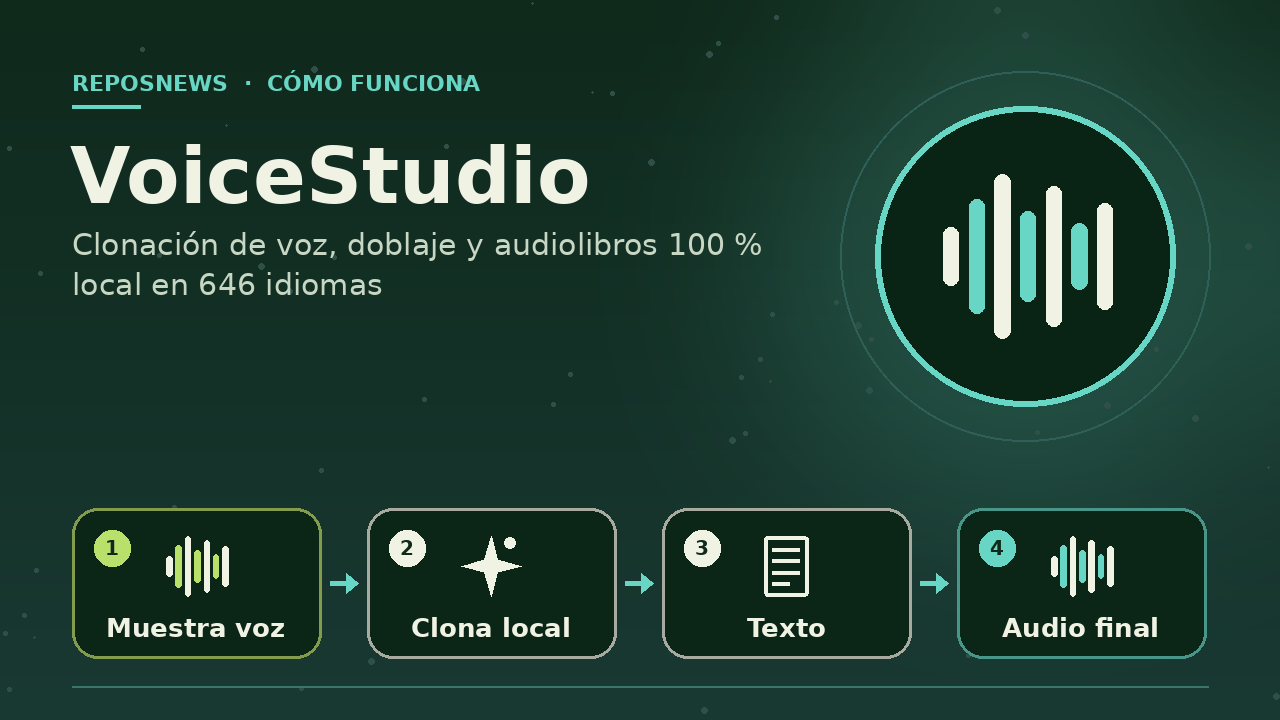
VoiceStudio is a fully local, open-source AI voice studio that lets you clone voices, design new voices from text descriptions, dub videos, dictate, transcribe audio, and create audiobooks — all on your own device without sending data to the cloud. This guide will help you install VoiceStudio on your computer and generate speech from a text prompt using a cloned voice, your first practical step toward replacing cloud-based text-to-speech services.
What It Is and How It Works
VoiceStudio is an Electron desktop application with a Python backend. The frontend (built with JavaScript and Electron) provides the user interface, while the backend runs the actual AI models locally. Think of it as a two-part system: the app window you interact with, and an invisible engine that processes audio.
The architecture works like this: when you type text and ask the app to speak, the frontend sends your request to the local backend. The backend loads a speech synthesis model (such as OmniVoice, CosyVoice, or IndexTTS2), processes your text, and generates audio. The audio then travels back to the frontend, which plays it for you. All of this happens on your machine — no internet connection is required after models are downloaded.
VoiceStudio supports multiple engines. The default is OmniVoice, but you can install others through the Model Manager. Each engine has different strengths: some are better at cloning, others at expressive speech, and some run faster on specific hardware.
When to Use It
Here are three realistic scenarios where VoiceStudio shines:
1. **Content creation without cloud costs**: If you produce podcasts, YouTube videos, or audiobooks and want to avoid per-character pricing from services like ElevenLabs, VoiceStudio lets you pay once (free) and generate unlimited audio locally.
2. **Privacy-sensitive projects**: When working with confidential documents, legal text, or personal recordings that cannot leave your device, VoiceStudio guarantees that your audio and text never reach a remote server.
3. **Multilingual dubbing**: With support for 646 languages, you can translate and dub videos into languages that commercial services often overlook, such as Kabyle, Urdu, or Galician.
What You Need
VoiceStudio runs on:
- **macOS 13.3+** (Apple Silicon recommended for best performance)
- **Windows 10/11 x64** (NVIDIA GPU recommended for CUDA acceleration)
- **Linux x64** (various distributions)
- **Android 10+** and **iOS/iPadOS 17+** (preview)
Minimum hardware: 8 GB RAM (16 GB recommended), 10 GB free disk space for models. A dedicated GPU (NVIDIA, AMD, or Apple Silicon) dramatically speeds up generation, but the CPU fallback works on any modern computer.
Where to Get It
Official repository: https://github.com/debpalash/VoiceStudio
Official website: https://voicestudio.sh
Latest release (as of November 2026): v0.5.8-beta.4
Installation
Choose your platform below.
### macOS (Apple Silicon)
Use Homebrew:
sh
brew tap debpalash/tap
brew trust --cask debpalash/tap/voicestudio
brew install --cask debpalash/tap/voicestudio
This installs the app via Homebrew, which handles updates automatically. Expected result: VoiceStudio appears in your Applications folder.
Alternatively, download the DMG from the releases page and drag the app to Applications.
### Windows
Run this PowerShell command:
powershell
irm https://voicestudio.sh/install.ps1 | iex
This downloads and runs the Windows installer. Expected result: VoiceStudio is installed and appears in your Start menu.
### Linux (Ubuntu/Debian)
Download the .deb package and install:
sh
sudo apt install ./VoiceStudio-*-linux-x64.deb
Expected result: VoiceStudio is installed and available in your application menu.
### From Source (Advanced)
If you want the latest development version:
bash
git clone https://github.com/debpalash/VoiceStudio.git
cd VoiceStudio
bun run dev
This requires Node.js and Bun installed. Expected result: The development version launches.
First Use Step by Step
1. Open VoiceStudio. The first-run setup screen appears.
2. You'll see a model download prompt. VoiceStudio needs to download speech synthesis models before it can generate audio. The default OmniVoice model is around 1-2 GB. Click "Download" and wait.
3. Once the model is ready, click "Voice cloning" in the left sidebar.
4. Click "Add voice" and record or upload a clean reference audio clip (10-30 seconds of someone speaking clearly).
5. Type the text you want the voice to speak in the text box.
6. Click "Generate." The app processes your request and produces audio.
7. Listen to the result. If satisfied, export as WAV or MP3.
Common Errors and How to Solve Them
**"VoiceStudio is damaged and can't be opened" on macOS**: This is Gatekeeper blocking the app. Go to System Settings > Privacy & Security and allow it. The download is not broken.
**"PyTorch download failed" during setup**: The app now offers a smaller CPU-only version as fallback. Choose this option to get a working app without GPU acceleration.
**"Model won't download"**: Check your internet connection. The app retries temporary server errors automatically. If the download stalls for over two minutes, restart the app.
**"CUDA error" or GPU not detected**: Verify your NVIDIA driver is up to date. Older GPUs (GTX 900/1000 series) may need to use the CPU fallback or Vulkan-based engines instead.
**"App not responding" during generation**: Large models can consume significant RAM. Close other applications or switch to a smaller model size.
Limitations
- VoiceStudio is still in beta (v0.5.8-beta.4). Some features are experimental.
- Model downloads require substantial disk space and a stable internet connection.
- Performance varies widely: a high-end GPU can generate audio in seconds, while CPU-only generation may take minutes.
- Not all engines support all 646 languages. Check the engine catalog for specific coverage.
- The Android and iOS apps are in preview and may have reduced functionality compared to desktop.
- Voice cloning requires consent. The license prohibits unauthorized impersonation.
Alternatives and How It Compares
VoiceStudio competes with cloud-based text-to-speech services and other open-source alternatives:
- **ElevenLabs**: Cloud-based, higher quality on average, but charges per character and stores data on their servers. VoiceStudio is free, local, and open source.
- **Bark**: Open-source but less controllable and no official GUI. VoiceStudio provides a polished interface.
- **Coqui TTS**: Open-source but discontinued. VoiceStudio continues active development.
- **ElevenLabs alternative**: VoiceStudio specifically markets itself as a replacement, offering similar features with local processing.
Key factual differences: VoiceStudio requires upfront model downloads (no streaming), runs offline after setup, and is licensed under AGPL-3.0 (free for commercial use under its terms).
FAQ
**Q: Is VoiceStudio really free?**
A: Yes, the core app is free and open source under AGPL-3.0. You can use it commercially under the license terms. Optional paid "Pro" plans exist for commercial client work across multiple machines.
**Q: Do I need a powerful computer?**
A: No. VoiceStudio works on CPU, just slower. A dedicated GPU (NVIDIA, AMD, or Apple Silicon) improves speed significantly but isn't required.
**Q: Can I use cloned voices commercially?**
A: Voice cloning requires the voice owner's permission. The AGPL-3.0 license covers the software, but model weights and generated output have their own licenses shown in the Model Manager.
**Q: How is my data handled?**
A: Everything runs locally. No audio, text, or voice data leaves your device. The optional cloud service (not yet available) would be separate.
Editorial Assessment: Who It Is For and Who Should Skip It
**For**: Content creators, podcasters, educators, developers, and privacy-conscious users who want local, unlimited text-to-speech without subscription fees. Ideal for those comfortable with downloading models and managing local software.
**Skip if**: You need instant, cloud-based generation without downloads, prefer a polished commercial experience, or want the absolute highest quality without configuration effort. Also skip if you cannot spare 10+ GB of disk space for models.
Sources and methodology
Official sources checked on the stated date. We do not claim growth without historical data or installations that have not been run.
https://github.com/debpalash/VoiceStudio
https://github.com/debpalash/VoiceStudio/blob/main/README.md