Purpose and use case
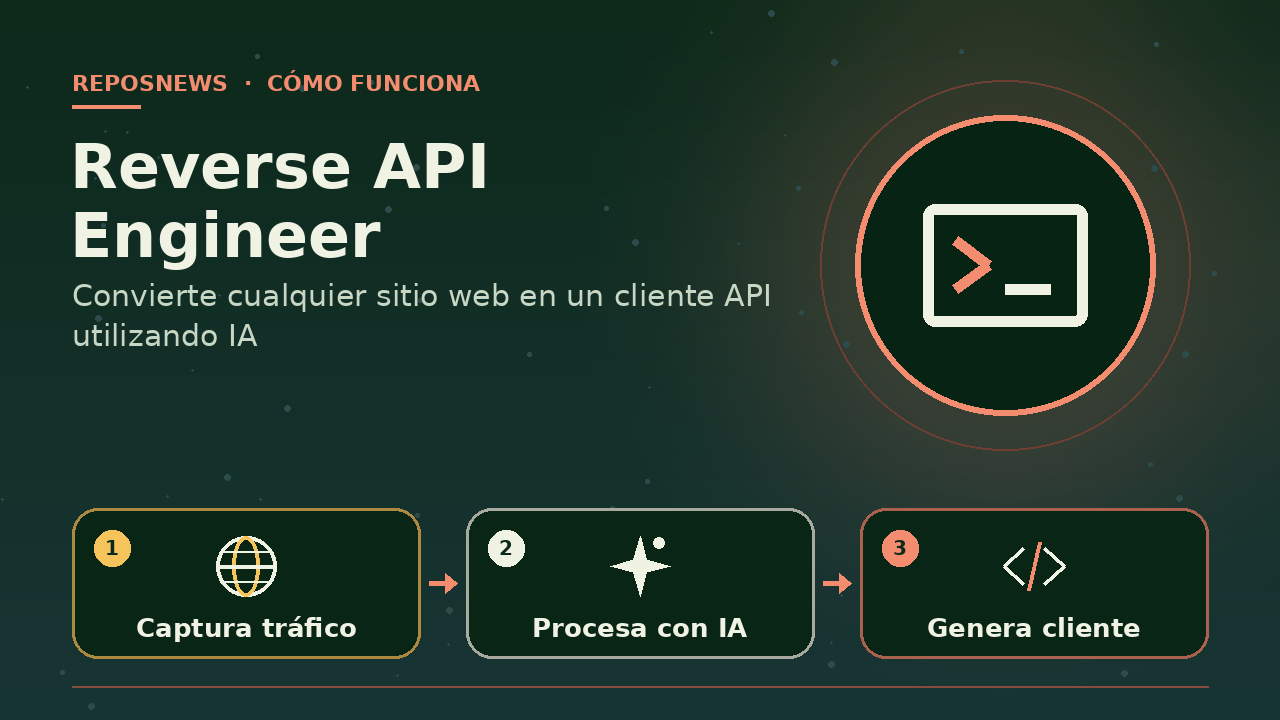
The purpose of Reverse API Engineer is to automate the creation of application programming interface (API) clients from captured website network traffic, simplifying data extraction and automation without manual developer tools analysis. A concrete use case is fetching all job openings from a corporate careers page to integrate them into an automated script.
When to use it
Use this tool when you need to programmatically interact with a website that lacks official public API documentation and you prefer to generate a typed client in languages such as Python, JavaScript, Go, or PowerShell based on real browser traffic.
What you need
You need a terminal with command-line access, Python 3.11 or higher, a valid API key for agent mode, and a supported operating system (Linux, Apple Silicon macOS, or 64-bit Windows). The underlying cryptography dependency requires 64-bit platforms and does not support legacy environments like 32-bit Windows or Intel macOS.
Where to get it
The official source code and package are hosted in the GitHub repository `kalil0321/reverse-api-engineer` and on the Python Package Index (PyPI) under `reverse-api-engineer`.
Installation
To perform a standard installation on your system, run the following command in your terminal:
uv tool install reverse-api-engineer # or: pip install reverse-api-engineerIf you want to use manual mode which controls a local Playwright browser, you must install the optional extras by executing:
uv tool install "reverse-api-engineer[manual]"   # or: pip install "reverse-api-engineer[manual]"
playwright install chromium
First use
Launch the command-line interface by typing the primary command in your terminal:
reverse-api-engineerOnce the interface opens, enter a prompt indicating which site to visit and your goal, for example:
> fetch all apple jobs from their careers pageLimitations
Websites enforcing strict bot detection may block traffic capture or require continuous manual interaction. Additionally, generated code must be reviewed locally before execution in production environments to ensure safety and correctness.
What the Reel shows
GitHub README displaying 'Turn websites into APIs' tagline and project badges.
Reel claims are distinguished from facts checked against the official article sources.
Sources and methodology
Official sources checked on the stated date. We do not claim growth without historical data or installations that have not been run.
https://github.com/kalil0321/reverse-api-engineer
https://github.com/kalil0321/reverse-api-engineer/blob/main/README.md