Purpose and Concrete Use Case
The purpose of this guide is to teach anyone opening their terminal for the first time how to set up a workflow for creating videos using web code. A concrete use case is automatically generating personalized welcome videos for every user who registers on a web application, inserting their name and data directly into React components.
What It Is and How It Works
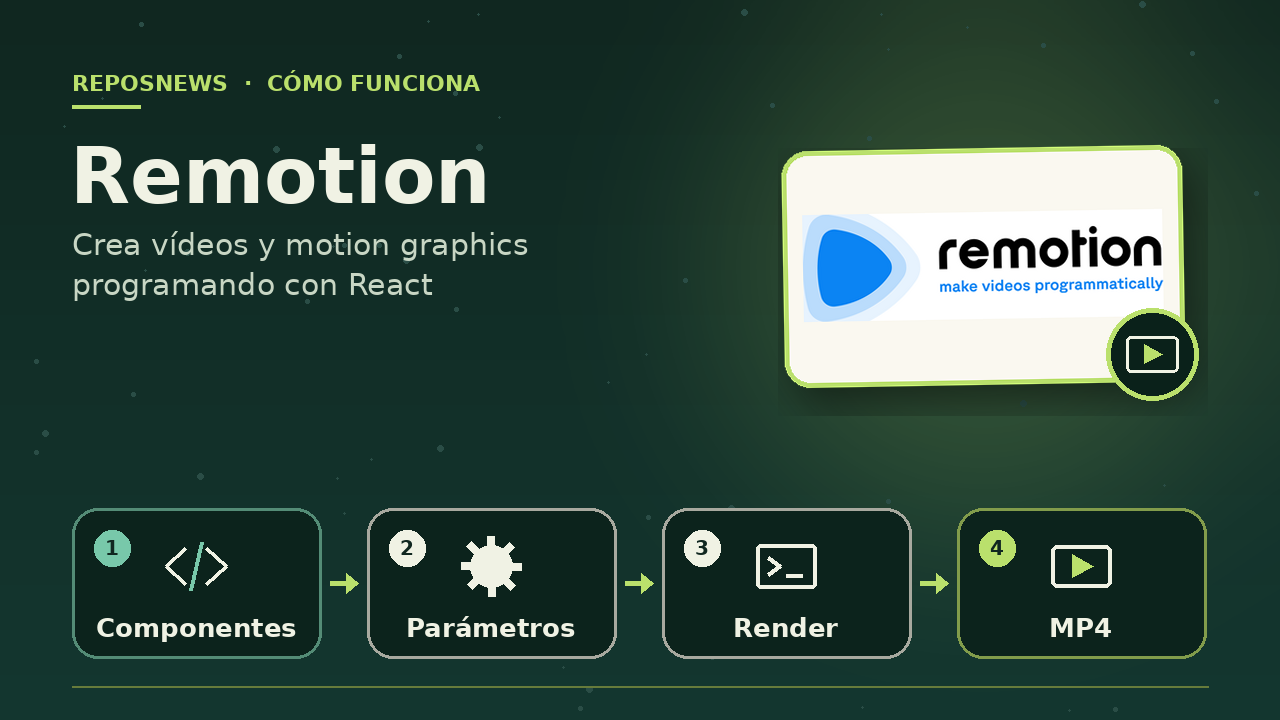
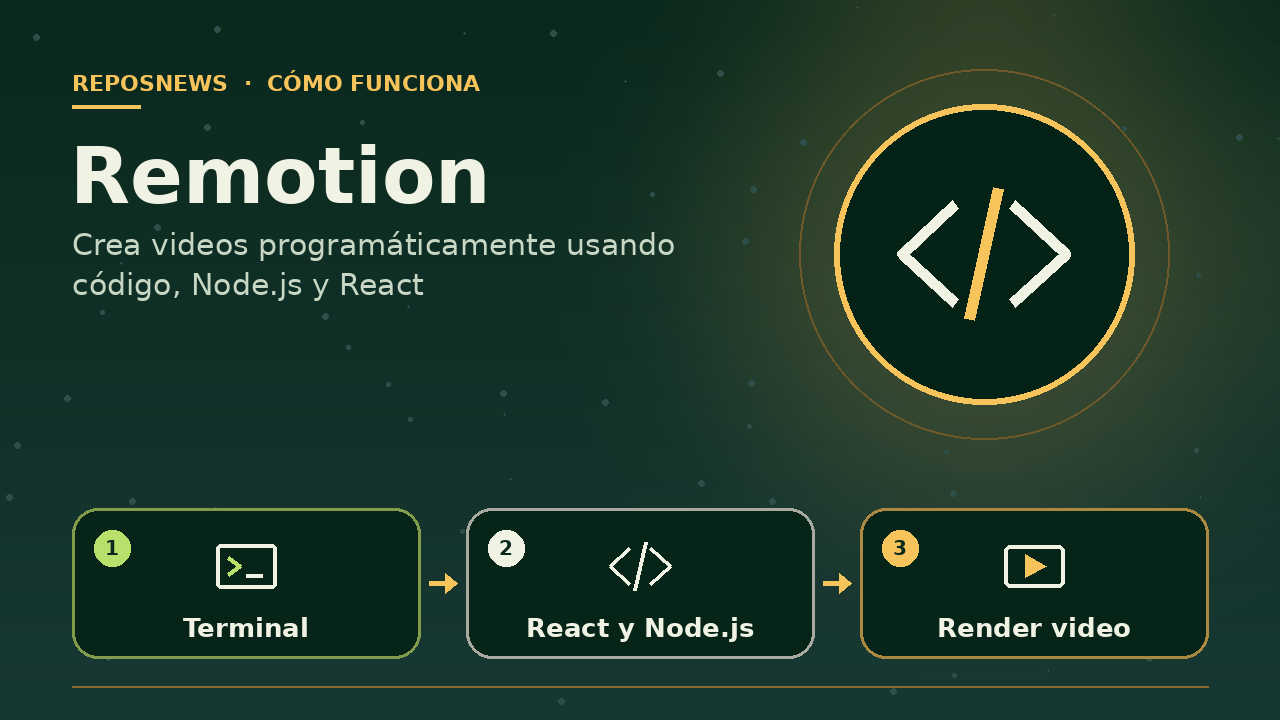
Remotion is a software toolkit built on TypeScript and React that allows you to design animations and compose videos using standard web technologies (HTML, CSS, and JavaScript). In simple architectural terms, the system takes your React component code, renders them frame by frame using a web browser controlled via automation, and then combines those individual frames along with audio tracks to export a final video file in standard formats like MP4.
When to Use It
- Batch Rendering: Mass generation of millions of personalized videos on your own infrastructure or via cloud computing services.
- Design Systems: Creation of centralized libraries of reusable animated assets to maintain visual consistency across an entire organization.
- Applications: Development of browser-based video editors or simple editing tools embedded within other software products.
What You Need
To follow this guide locally, you need a computer running an operating system compatible with Node.js and an open terminal window. Prior experience in traditional video editing is not required, but basic knowledge of React and JavaScript is highly recommended.
Where to Get It
The official source code, complete documentation, and project repository are hosted on GitHub at `https://github.com/remotion-dev/remotion`, and its official website is available at `https://www.remotion.dev`.
Installation
To start a new project using the official initialization tool from your terminal, make sure you have Node.js installed on your system. Then, run the corresponding command to download and start the setup wizard in your local environment.
npx create-video@latestFirst Use Step by Step
1. Open your command-line terminal in the directory where you want to save your video project.
2. Run the interactive initialization command to create the initial file structure based on React templates.
3. Follow the wizard's on-screen prompts to select the project name and base template.
4. Enter the newly created project folder and start the local development environment using the command provided by the template.
Common Errors and How to Solve Them
- Missing Node.js errors: If the terminal indicates that the command is not recognized, it means you need to install Node.js from its official website before retrying.
- Dependency errors in older projects: Make sure to use compatible package versions and update dependencies according to official release notes.
Limitations
Intensive video rendering consumes a significant amount of CPU and RAM resources. Additionally, playback capabilities in browser or client environments have inherent constraints due to JavaScript engine performance and modern browser isolation policies.
Alternatives and How It Compares
Unlike traditional video editors based on manual timelines (such as Adobe Premiere or Final Cut), Remotion uses pure React code, enabling massive automation. Compared to other programmatic media generation libraries, it stands out for its native integration with the React ecosystem and its support for server-side rendering via Node.js and AWS Lambda.
Frequently Asked Questions
- What language do I need to know?: You need to use JavaScript or TypeScript, as videos are programmed using React components.
- Can it run on headless servers?: Yes, the Node.js and Chromium rendering engine runs seamlessly in headless server environments.
- How are licenses distributed?: Remotion features specific licensing terms that require obtaining commercial licenses for certain corporate cases.
Editorial Assessment: Who It Is For and Who Should Skip It
This tool is ideal for web developers, frontend engineers, and product teams who need to automate the creation of audiovisual content at scale. Traditional video editors or content creators unfamiliar with web development, command-line tools, and JavaScript programming should skip it.
Sources and methodology
Official sources checked on the stated date. We do not claim growth without historical data or installations that have not been run.
https://github.com/remotion-dev/remotion
https://github.com/remotion-dev/remotion/blob/main/README.md